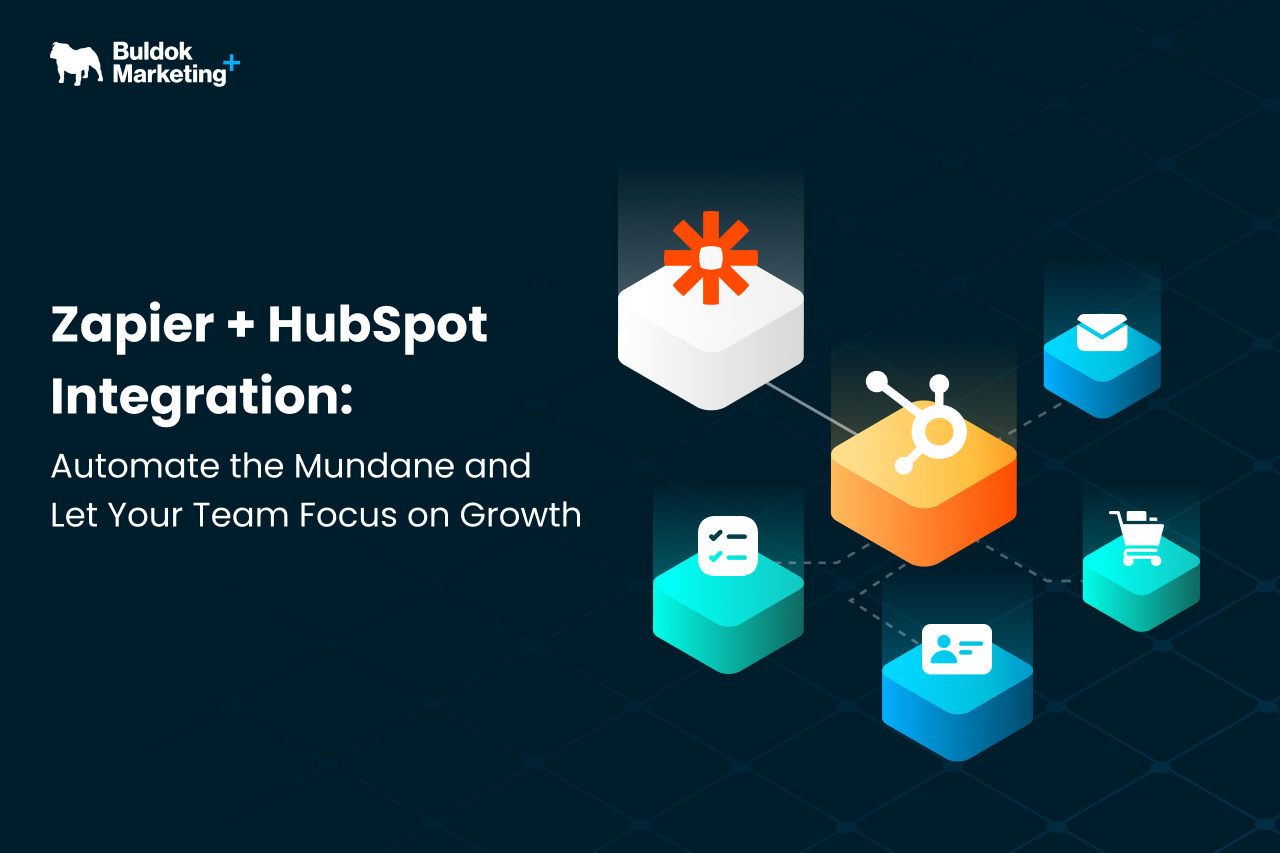
Most businesses struggle to grow faster because the capable people in their teams spend much time on their day on repetitive tasks and low-value work. Here’s where workflow automation with Zapier & HubSpot integrations comes into play.
Automation is often considered a process to complete tasks faster, but another essential value it delivers is FOCUS. When mundane tasks are managed automatically, teams have more capacity to think, decide, and work on problems that actually move the businesses forward.
When HubSpot and Zapier are used well together, they remove friction between systems and reduce manual efforts across marketing, sales, and operations. But if integrated poorly, it can add another layer of complexity to the business ops.
This guide explains how Zapier and HubSpot work together, what they are genuinely good at automating, and how to integrate and use them in a way that supports growth instead of creating invisible hurdles.
Let’s start exploring!
Daily Tasks That Quietly Slows Growth
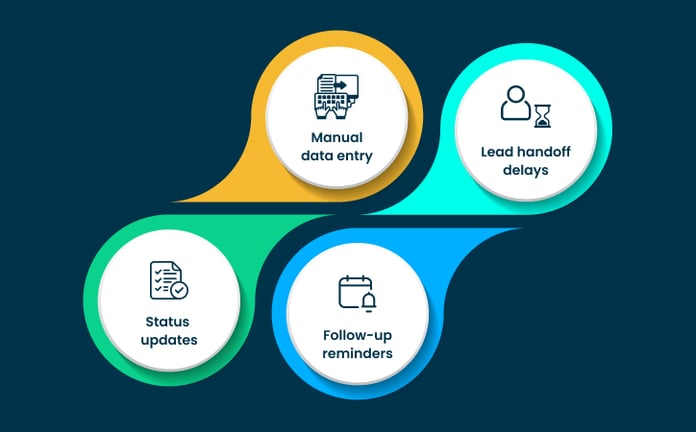
Most of the time-draining tasks go unnoticed because each one feels small. Some examples are:
- A lead gets copied from one tool into HubSpot.
- A deal stage is updated manually.
- A notification is sent because no system triggered it automatically.
On their own, these actions seem harmless. But over time, they add up to the time required to finish each task.
Manual data entry increases the chance of errors and inconsistencies. Handoffs between marketing and sales rely on people remembering to take action. Routine updates pull attention away from strategic work and break focus throughout the day.
This type of work rarely appears on a roadmap, but it has a direct impact on performance. It slows response times, reduces data reliability, and creates friction between teams. More importantly, it keeps experienced people busy with tasks that do not require their judgment.
These are the moments where automation makes sense. Not to replace decision-making, but to remove the background work that distracts teams from it. And for that, HubSpot can be the best platform you onboard in your tech stack.
Why HubSpot Is Often the Right System to Anchor Automation
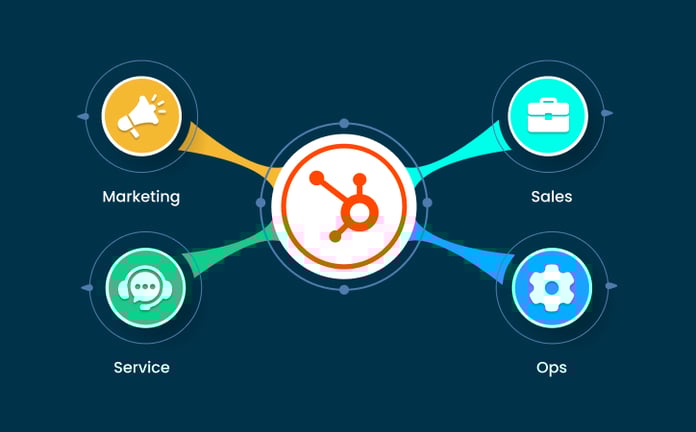
Automation works best when there is a clear place where data lives, and decisions start. For many teams, that place is HubSpot. It already sits at the center of marketing, sales, and service activity, which makes it a natural anchor for automation.
When HubSpot holds the most reliable view of contacts, companies, and deals, automations become easy to perform. Triggers are clearer, outcomes are easier to track, and teams know where to look when something changes. Without that anchor, automation quickly turns into a web of disconnected workflows spread across tools.
This is where a more holistic setup matters. When HubSpot is treated as part of a broader system, it becomes much easier to scale workflows over time. Buldok often refers to this approach as a HubSpot 360° view, where HubSpot acts as the operational layer across the revenue engine.
With that foundation in place, automation stops being about moving data for the sake of it and starts supporting how teams actually work.
Where Zapier Fits In and Where It Doesn’t
Zapier works best for simple, event-driven automation. It is designed to move information between tools when something specific happens, such as:
- A form submission
- A status change, or
- A new record is being created
For many teams, this is enough to eliminate a large amount of manual work quickly.
Zapier, when paired with HubSpot, can handle common scenarios without any engineering effort. It can pass data from external apps into HubSpot, trigger internal notifications, or keep lightweight systems in sync. These are practical wins that reduce friction without introducing heavy complexity.
The Limitation: Where Zapier Doesn’t Fit
The limitation of Zapier shows up when automation starts carrying business logic, multi-step decisions, high data volumes, or workflows that require strict governance. At that point, it shifts from being a helpful bridge to a fragile dependency.
In short, Zapier is most effective when it supports clear processes that already make sense. And, it is less effective when asked to compensate for unclear ownership or poorly defined workflows.
Practical Zapier + HubSpot Use Cases That Actually Save Time
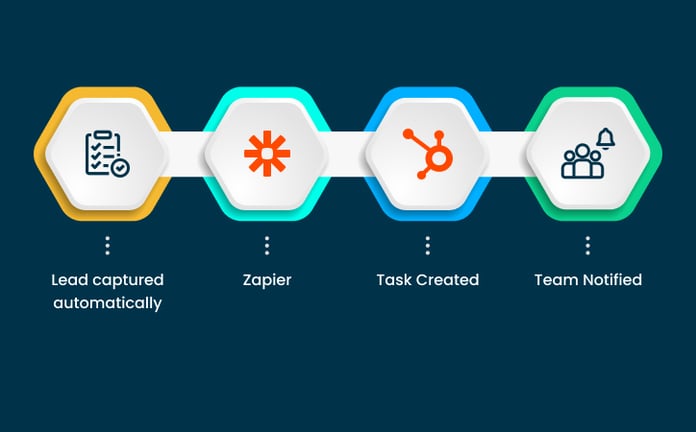
The most effective automations are usually the least visible. They sit in the background and quietly remove friction from everyday work.
With Zapier and HubSpot, this often starts with simple, repeatable actions that teams no longer need to think about.
For Example
This integration can be used to capture leads from external tools and ensure they land in HubSpot with the right properties filled in.
The same can be done for internal alerts, too. Sales or service teams can be notified automatically when a lead reaches a particular stage or when a customer action requires follow-up.
Another instance where teams save time is basic data hygiene. Automations can flag incomplete records, create tasks when required fields are missing, or update properties based on activity in connected tools. This reduces the need for constant cleanup and keeps reporting more reliable.
The goal is to automate repetitive tasks so that the background work is managed by tools, and teams can focus on conversations and strategic planning to drive more growth.
The Risk of Over-Automating Mundane Work
Automation becomes a problem when it starts to mask issues instead of solving them. This usually happens when teams automate a process they haven’t understood or agreed on. The result is a workflow that runs smoothly but produces outcomes no one really wants.
One common risk is automating broken handoffs. If responsibilities are unclear between teams, automation can move data faster without improving alignment. Another risk is losing visibility. When too many steps are handled automatically across multiple tools, it becomes harder to trace why something happened or who owns the outcome.
There is also the issue of long-term maintenance. Automations created to solve a short-term problem often remain in place long after the context has changed. Without clear ownership, they turn into silent dependencies that slow down future improvements.
This is why automation should be applied with restraint. Mundane work should be automated, but the underlying process should still be simple, documented, and easy to reason about.
When Zapier Is Not Enough
There is usually a clear moment when teams outgrow Zapier. When automations require multiple conditions or tighter control over systems, at that point, maintaining reliability becomes harder, and Zapier falls short.
The most common trigger is: high-volume workflows. As data increases, managing it strategically becomes essential.
Another signal is dependency. When core revenue processes rely on a chain of Zapier workflows, a small change can have unintended effects elsewhere. What started as a quick solution becomes difficult to modify without risk.
This is where more HubSpot integration and development becomes necessary. Custom integrations allow teams to design workflows that match their business logic rather than stretching lightweight tools beyond their intended role.
The Role of RevOps in Keeping Automation Aligned With Growth
Teams expect different outcomes from automation; marketers want speed, sales reps want reliability, and customer support wants control. Without a single owner, automations grow in isolation and slowly drift away from the business goals they were meant to support.
This is where RevOps professionals play a critical role.
RevOps brings together process, data, and technology with a clear focus on revenue outcomes. Instead of asking what can be automated, the question becomes what should be automated to support growth.
When RevOps leads automation, they design workflows with a defined intent, like:
- Triggers should align with real milestones
- Keeps data definitions consistent across teams
- Ownership is clear when something needs to change
Automation becomes a system that supports decision-making rather than a collection of disconnected shortcuts.
In this model, tools like Zapier and HubSpot remain valuable (only when they operate within a structure that prioritizes clarity, accountability, and long-term scalability).
Conclusion: Automate the Mundane, Protect the Strategic
Zapier and HubSpot can be a powerful combination when used with intention. They help remove repetitive work, reduce friction between tools, and give teams back time they would otherwise spend on manual tasks. That time is better invested in conversations, decisions, and work that actually drives growth.
The key is restraint. Automation should simplify how teams operate, not hide complexity or introduce fragile dependencies. Zapier works best as a practical connector, HubSpot works best as a clear operational anchor, and RevOps ensures both serve the business instead of running alongside it.
When teams step back and look at automation through this lens, the focus shifts. It is no longer about how much can be automated, but about what should be automated so people can focus on higher-value work.
At Buldok Marketing, this is how automation is approached. HubSpot and tools like Zapier are treated as part of a broader revenue system, guided by RevOps thinking rather than quick fixes.
If you are unsure whether your current HubSpot and Zapier automations are helping or quietly holding you back, reviewing them with a RevOps perspective can bring clarity to the picture.