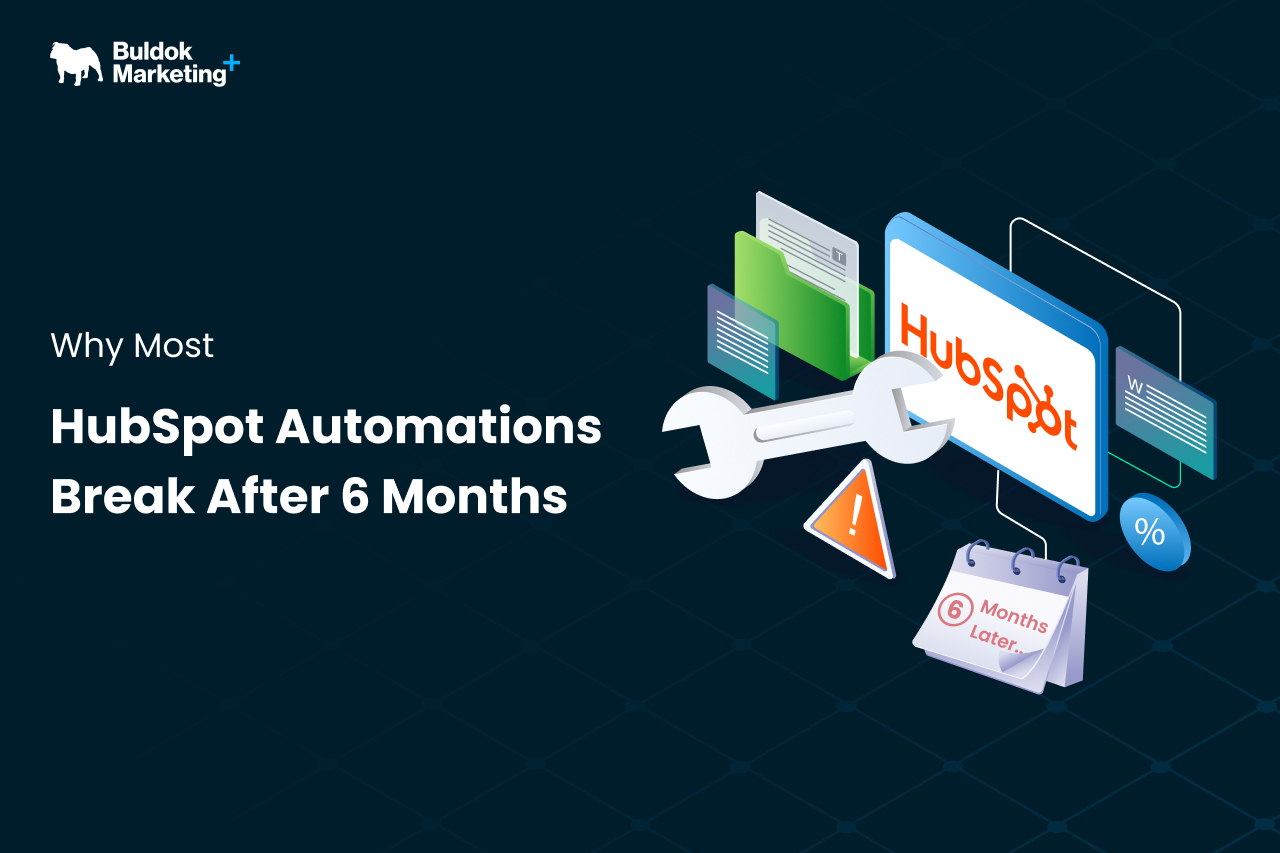
You built HubSpot workflows to save time and streamline your funnel. But fast forward half a year, and things start falling apart - leads routing breaks, nurture emails misfire, etc. If it’s happening with your automations too, this blog is for you.
Here, we will break down why these failures happen and what they tell us about your HubSpot setup. In addition to that, how can we prevent this 6-month breakdown and keep your revenue engine running efficiently? Let’s dive in and understand the reasons below with real examples.
7 Common Reasons (With Solutions) for HubSpot Automation Breakdown
Here’s the list of common situations that cause HubSpot Automation breakdown almost after about 6 months.
1. Inconsistent & Poor Data Hygiene
HubSpot workflows live and die by your CRM data quality. If your datasets are full of inconsistent values, outdated fields, or duplicate records, your automations can’t do their job reliably.
For example, if a lead’s lifecycle stage is mislabeled or a key property is blank, the workflow might skip that contact or mis-route it entirely.
In short, bad data means bad automation, and bad automation means bad end decisions. Your teams lose trust in the system, conversion opportunities slip through cracks, and reporting becomes skewed. This impacts the overall revenue of your business.
If automations are breaking due to data issues, it’s time to tighten your CRM foundation. For that, you can:
- Standardise key fields such as lead source, lifecycle stage, etc.
- Regularly clean duplicates or outdated entries.
When your data is clean and consistent, workflows fire when they should, scoring and routing are accurate, and your reports actually reflect reality.
In short, you just need to fix the foundation, and everything downstream starts getting stable with time.
2. Conflict in Logics and Overlapping Workflows
Another common culprit for breakdowns is workflow sprawl, i.e, too many automations overlapping or updating the same properties.
If multiple workflows all try to set the lifecycle stage or lead status, it’s only a matter of time before they collide and conflict.
For example, one workflow moves a contact to “Sales Qualified,” while another simultaneously tries to move it back to “Marketing Qualified” based on a different trigger. The result? Flip-flopping fields, confused sales reps, and contacts ping-ponging between stages.
Signs that workflow sprawling is causing automation breakdown:
- Properties that keep changing back and forth.
- Contacts mysteriously enrolled in multiple nurture streams at once.
- Unexpected changes in deal stages.
This may drop your sales efficiency because reps get incorrect signals. Lead nurturing can backfire – prospects might get multiple emails or conflicting messages, hurting trust and conversion.
Here’s how you can avoid such a situation:
- Map out every workflow that touches the core properties to see where they overlap.
- Look out for duplicative logic; if found, combine or sequence workflows accordingly so they can manage different tasks without sprawling.
- Use clear naming conventions for each workflow. For instance, use proper prefixes like: MKTG for marketing, SALES for sales, SDR, AE, etc.
This reduces internal confusion and ensures leads move smoothly through the funnel, boosting conversion rates by keeping the process strategic and predictable.
3. Overly Broad or Vague Enrollment Triggers
If you ask questions like: “Why did this contact get into the workflow? They were not supposed to!”, the issue might be loose enrollment triggers. Workflows often break (or misfire) because their trigger criteria are too broad.
For example: Using a common trigger like “Contact has filled out any form.” A contact’s single webinar sign-up accidentally drops a contact into a long-term nurture sequence meant for new product leads.
Or say you forgot to exclude a certain group of contacts - say, not filtering out test contacts - means your internal team members start receiving marketing emails. These scenarios turn out to be embarrassing and also signal towards a workflow that isn’t precise.
In short, broad triggers hurt lead quality and customer experience. Prospects can be spammed or confused, and customers might receive irrelevant content (hurting satisfaction and upsell potential).
Here’s how to overcome it:
- Be intentional and specific with enrollment criteria.
- Use multi-condition triggers and exclusions. For example: For example, trigger when “Form XYZ is submitted” AND contact’s lifecycle stage is “Lead.”
- Add suppression rules. For example: If a contact becomes a customer, replies to an email, etc., and meets the “exit” condition, make sure the workflow unenrolls them immediately.
This way, you can improve the conversion efficiency of your workflow; no more accidental spamming or missed opportunities due to broad triggers.
4. Untracked Changes to Upstream Processes
HubSpot workflows operate on forms, fields, lists, and pipelines. A change in one of those elements can unintentionally break dozens of automations.
For example: A marketing manager edits a lead capture form -> the connected nurture workflow no longer enrols people properly. A sales rep renames a deal stage for clarity -> every workflow and report referencing the old stage name collapses or misreports, etc.
These aren’t hypotheticals; they happen in growing teams all the time. When workflows break silently due to upstream changes, you get a false sense of security. Leadership sees a “full pipeline” in the CRM, but the automations that drive follow-ups or data sync might be dead in the water.
Here’s how to avoid such a situation:
- Be aware of automation dependencies - know which workflows rely on which forms, properties, or lists. It helps you keep track of what’s connected to the property that you are about to change.
- Use naming conventions and folder structures to group related assets. For example: “List – Promo X” is tied to “Workflow – Promo X Nurture”
Ultimately, a well-documented, monitored system will save you from the six-month surprise of “Why did everything stop working?” – and keep your revenue ops running smoothly through changes.
5. The “Mega-Workflow” Doing Too Much
HubSpot makes it tempting to create that one master workflow that handles everything. It might work initially, but then it grows into a fragile beast, making it hard to troubleshoot errors and failures. If something goes wrong inside it (and with dozens of steps, something eventually will), the whole process grinds to a halt.
For example: If one branch has a mistake that causes an error, it might prevent contacts from moving to the next step in any branch.
A better approach to overcome this situation:
- Break big automations into small, modular, purpose-driven workflows.
- For example, use one workflow purely for lifecycle stage transitions, another for assigning new leads, and another for sending nurture emails.
The result is a more resilient automation system where workflows work for you and your revenue engine keeps humming even as you add complexity.
6. Misalignment Between Sales and Marketing
If your Marketing and Sales teams have different definitions for leads and funnel stages, no automation can fix that.
For example: For example, marketing might set a workflow to move any contact with a certain behavior to “MQL” (Marketing Qualified Lead), triggering a handoff. But if Sales doesn’t agree that behavior = MQL, they might ignore those leads or move them back, and automation might push them forward again.
Here’s how to realign and fix it:
Automation is not a band-aid for strategy. Get the key players in a room and discuss your lifecycle stages and qualification criteria in detail. Define and document what exactly makes someone an MQL, SQL, SAL, or any stage your org uses. Once marketing and sales share a mental model, rebuild your workflows around those agreed-upon rules.
7. “Set and Forget” – No Ongoing Maintenance
The final (and extremely common) reason HubSpot automations break: “negligence.” Teams often set up workflows during an implementation or campaign push and then assume they’ll run forever. Six months later, those workflows are woefully out of date; still referencing old campaigns, people who’ve left the team, or outdated definitions.
Here’s how to keep automations evergreen:
- Practice workflow audits on a regular basis, at least every quarter.
- Also, review workflows after any major business change.
- Instead of refining a stale workflow, it’s better to rebuild a stale workflow from scratch than to patch it endlessly.
- Keep your automations fresh and in tune with current business strategy.
These checks ensure that your workflows continue to drive real results month after month, not just when you first set them up.
Best Practices For Preventing the 6-Month HubSpot Automation Breakdown
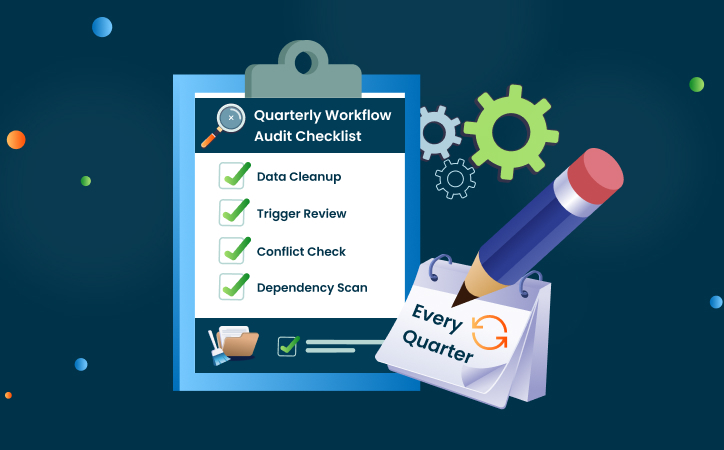
Here’s a quick checklist to future-proof your workflows and safeguard your pipeline
- Clean and Standardize Your Data Continuously:
Use tools like HubSpot’s Data Quality software to autocorrect common issues. - Avoid Workflow Overlap:
If you suspect overlap, do a property change audit or use dependency maps to pinpoint conflicting workflows - Tighten Your Triggers and Paths:
Add qualifiers and suppression lists to every workflow. Include clear exit conditions so contacts aren’t stuck or over-nurtured. - Document Dependencies:
Keep a simple spreadsheet or use HubSpot’s documentation features to note which assets rely on which fields and objects. - Break Up the Behemoths:
Your ops team (and future you) will thank you when an issue arises, and it’s in one small workflow, not a monster one. - Align Team Definitions:
Regularly sync with Sales, Marketing, and Service too, on lead and deal stages. - Schedule Routine Audits:
Set a recurring calendar reminder (every 3–6 months) to review automations. This proactive care is far easier than dealing with a broken system.
Final Verdict
HubSpot automation isn’t a Ronco rotisserie oven; you can’t just set it and forget it. It needs your regular attention to repay you with consistent pipeline growth, better lead quality, and smooth sales processes.
The bottom line: workflows break after 6 months when they’re built on shaky foundations or left unloved. The good news? Each failure point we discussed is fixable with a bit of strategy and upkeep.
Want to make sure your HubSpot workflows stay solid beyond the 6-month mark? It might be time for a second pair of eyes. Buldok Marketing can help you audit, clean up, and rebuild your HubSpot automation strategy so it scales with your business, without breaking.
Ready to tune up your HubSpot automations? Contact us today, and let’s fix that 6-month breakdown into a not-to-worry-anymore workflow.